
Customer service is no longer limited by office walls, local business hours, or a single geographic market. Today’s customers expect fast, consistent, and knowledgeable support whether they are contacting a company from New York, London, Singapore, or Sydney. To meet those expectations, many organizations now rely on distributed customer service teams working across multiple time zones, languages, and regions.
While remote support teams unlock access to global talent and enable true 24/7 coverage, they also introduce operational complexity. Without the right systems in place, teams can struggle with duplicated work, inconsistent responses, missed SLAs, poor handoffs between shifts, and limited visibility into performance. This is where a modern, cloud-based support platform becomes essential.
Zendesk is purpose-built to support both traditional in-office teams and fully distributed customer service operations. With the right configuration, Zendesk functions as a centralized virtual help desk that connects remote agents into one cohesive support organization. By combining intelligent automation, real-time reporting, and seamless collaboration tools, Zendesk allows global teams to deliver fast, reliable, and consistent customer experiences no matter where agents are located.
The Challenges of Managing a Global Remote Support Team
Before exploring how Zendesk solves these problems, it is important to understand the common challenges faced by remote customer service teams.

Distributed teams often work across overlapping or rotating shifts, increasing the risk that multiple agents respond to the same ticket without knowing it. Time zone gaps can delay responses or cause tickets to sit unassigned. Without standardized messaging, customers may receive different answers to similar questions depending on which agent responds. Managers may also struggle to maintain visibility into workloads, SLA performance, and service quality when agents are spread across regions.
Zendesk addresses these challenges by creating a single source of truth for all customer interactions, workflows, and performance data.
Prevent Duplicate Work with Agent Collision Detection

One of the most practical but overlooked challenges in remote support operations is duplicate effort. When agents in different time zones log in at overlapping hours, it is easy for two people to unknowingly work on the same ticket.
Zendesk’s agent collision detection solves this problem by showing a live presence indicator whenever another agent is viewing or replying to a ticket. This small feature has a major operational impact. Agents immediately know when a colleague is already handling an issue, which prevents conflicting responses, duplicated work, and customer confusion.
For global teams, this directly improves first-contact resolution rates, reduces internal rework, and creates a smoother customer experience. It also builds trust within the team, as agents can clearly see who is responsible for each ticket at any given moment.
Configure Business Hours and Time Zone-Based Ticket Routing
Effective ticket routing is critical for remote customer support success. Zendesk allows businesses to define multiple business hours, schedules, and support groups based on region or market.
With time zone-based routing rules, tickets can automatically be assigned to agents who are currently online and available. For example, inquiries from Asia-Pacific customers can route directly to your APAC team during their working hours, while European tickets are handled by EMEA agents. If a ticket arrives outside one region’s hours, it can seamlessly roll over to another team without manual intervention.
This approach reduces response delays, minimizes SLA breaches, and ensures customers receive timely support regardless of where they are located. It also allows managers to balance workloads across regions and scale support coverage without overstaffing a single location.
Use Automation to Maintain Speed and Consistency
Automation is the backbone of any scalable remote support operation. Zendesk offers powerful automation and trigger rules that help teams respond faster while maintaining consistent service quality.
Automated triggers can acknowledge new tickets instantly, assign priority levels, tag requests by issue type, or escalate urgent cases based on keywords or customer attributes. This reduces manual sorting and allows agents to focus on resolving issues rather than managing workflows.
For distributed teams, automation ensures that every ticket follows the same process regardless of who handles it or when it arrives. This consistency is especially important when multiple agents across different regions are supporting the same products or services.
Standardize Responses with Macros and Internal Notes
Maintaining a consistent brand voice across a global support team can be difficult. Zendesk’s macros help solve this by providing pre-approved, standardized responses for common customer scenarios such as billing questions, password resets, onboarding guidance, or service explanations.
Macros reduce handling time while ensuring that customers receive accurate and on-brand information every time. They are especially valuable for onboarding new remote agents, as they provide built-in guidance and reduce dependency on tribal knowledge.
Internal notes further enhance collaboration by allowing agents to share troubleshooting steps, context, or updates without exposing internal communication to customers. This is critical for smooth handoffs between shifts and regions, ensuring that no information is lost when a ticket moves from one agent to another.
Monitor Remote Team Performance with Real-Time Dashboards
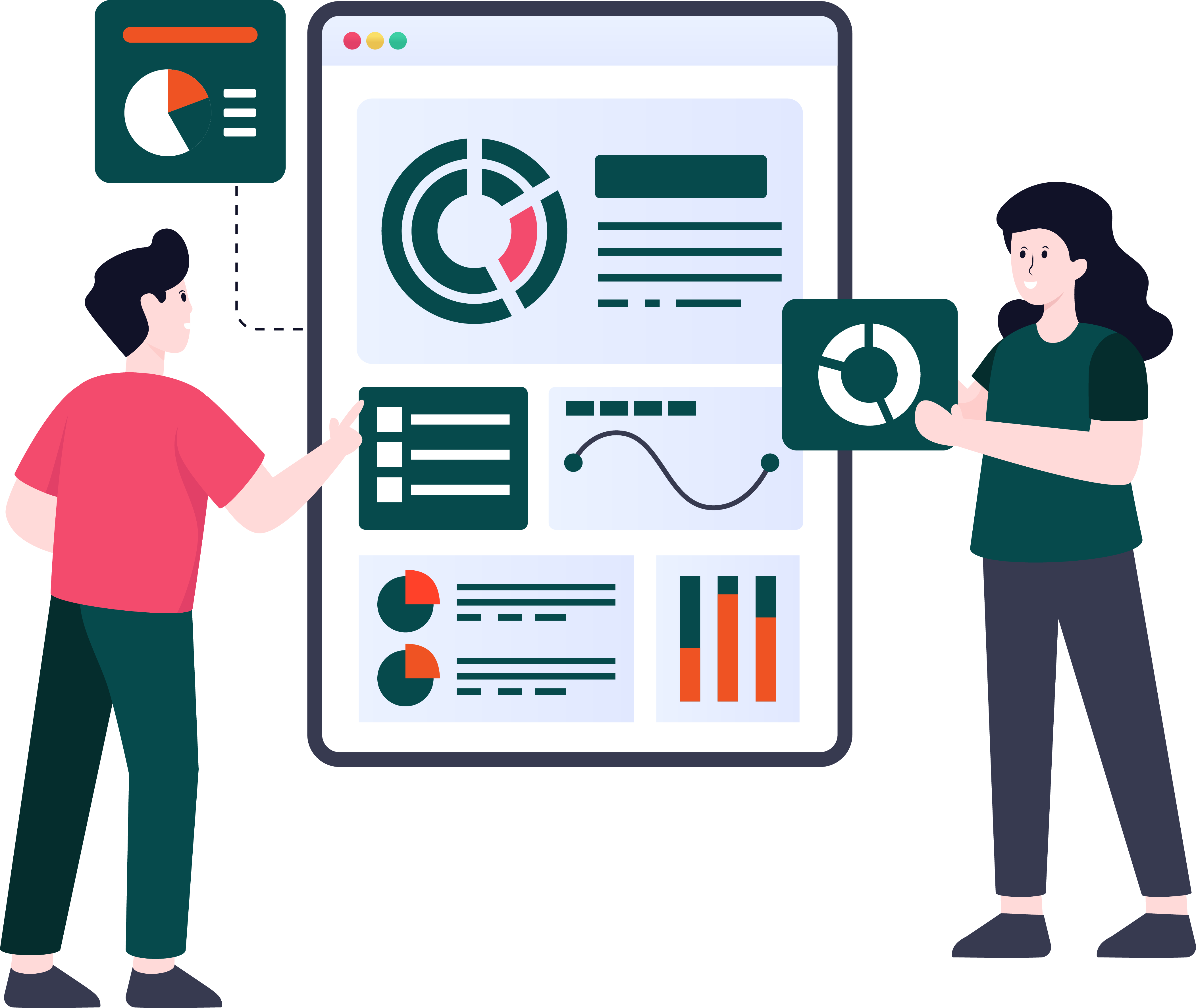
Visibility is one of the biggest challenges in remote agent productivity management. Zendesk Explore provides live dashboards that give support leaders a real-time view of ticket volume, backlog trends, SLA compliance, and agent workload.
With these dashboards, managers can quickly identify spikes in ticket volume in specific regions and reassign work before SLAs are impacted. They can also monitor individual and team performance metrics, helping ensure fairness and accountability across distributed teams.
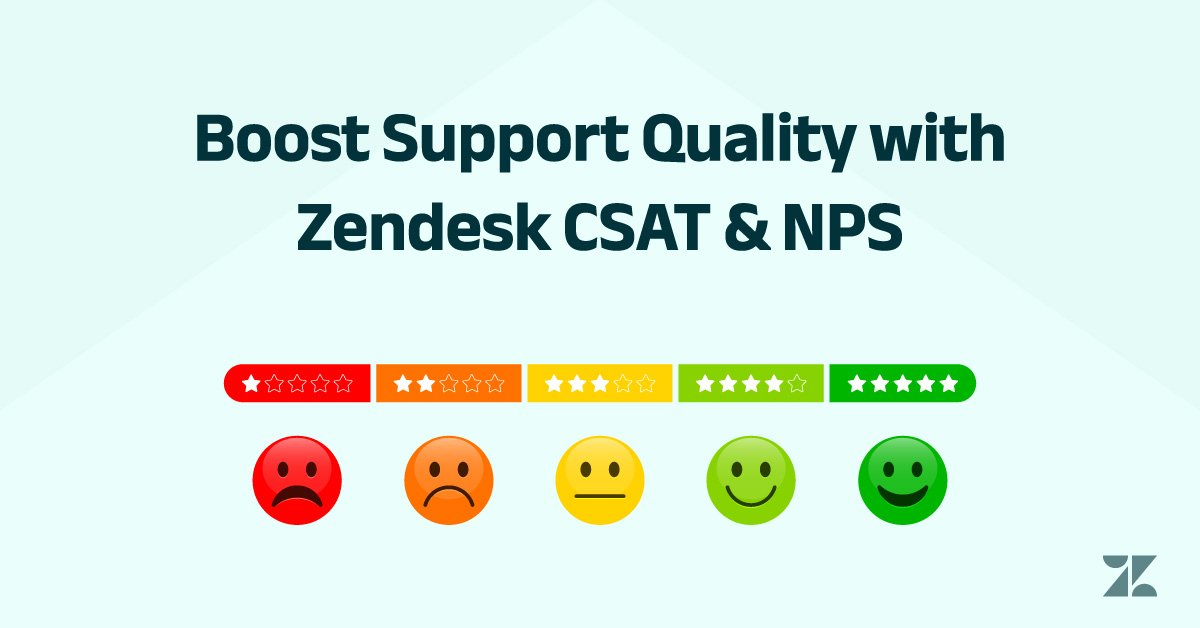
Real-time analytics enable proactive decision-making rather than reactive firefighting. Over time, this leads to improved customer satisfaction (CSAT), stronger Net Promoter Score (NPS) trends, and a more predictable support operation.
Enable Seamless Collaboration with Slack and Zoom Integrations
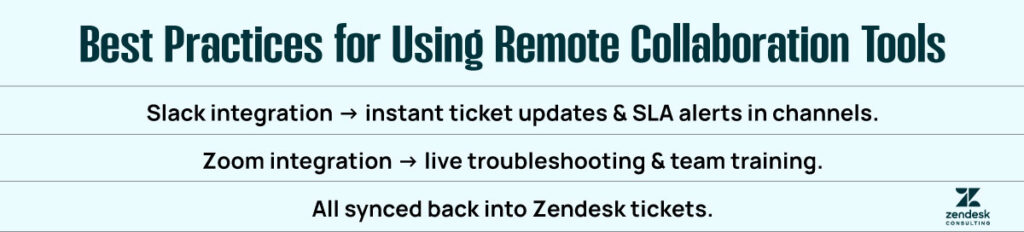
Remote teams rely heavily on collaboration tools to stay connected. Zendesk integrates directly with tools like Slack and Zoom to keep communication fast and contextual.
Slack integrations push ticket updates, SLA alerts, and escalations into dedicated channels, ensuring that urgent issues are seen immediately by the right people. Teams can discuss tickets in Slack while maintaining a direct link back to the original request in Zendesk.
Zoom integration allows agents to schedule or launch live calls directly from a ticket. This is particularly valuable for complex troubleshooting, VIP customer support, or internal collaboration between support, engineering, and product teams. All conversations remain tied to the ticket, preserving context and documentation.
Support Knowledge Sharing Across Regions
For remote teams, access to shared knowledge is essential. Zendesk’s help center and internal knowledge base allow organizations to document solutions, workflows, and best practices in one centralized location.
Agents across all regions can search the same knowledge base, ensuring that customers receive consistent answers regardless of location. Over time, this reduces ticket volume through self-service while improving agent confidence and efficiency.
Knowledge sharing also plays a key role in training new remote hires, shortening ramp-up time and reducing dependency on senior team members.
Why These Practices Matter for Remote Customer Service Teams
Running a global support team without the right systems often leads to duplicated work, inconsistent communication, missed SLAs, and frustrated customers. These issues scale quickly as teams grow, making them difficult and expensive to fix later.
Zendesk’s remote-friendly features create a centralized support hub where tickets, customer history, automation, analytics, and collaboration all live in one place. This unified approach enables faster resolution times, higher service quality, and a scalable support operation that works just as effectively for ten agents as it does for hundreds.
For organizations embracing remote and hybrid work models, Zendesk is not just a ticketing tool it is the operational foundation that allows global customer service teams to function as one, no matter how far apart they are..