
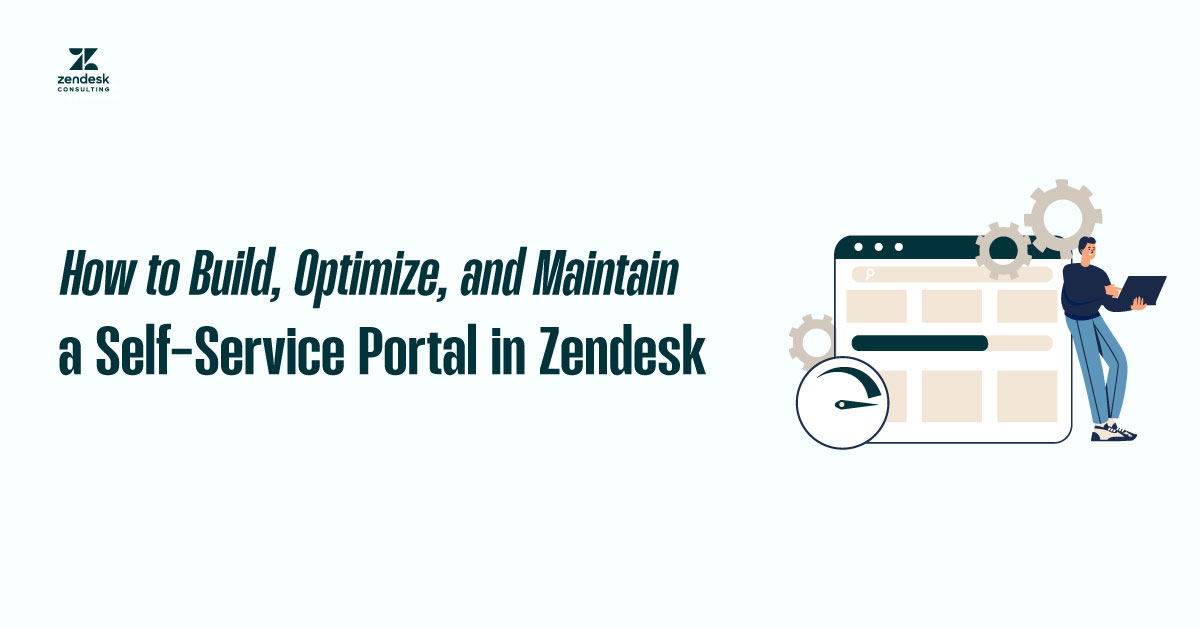
Customers today expect fast support to be available. Studies show that more than 60% of customers prefer self-service support over waiting for a response from an agent. A well-built Zendesk knowledge base can meet that demand, reducing ticket volume while boosting Customer Satisfaction Scores (CSAT) and overall efficiency.
But creating a knowledge base isn’t just about adding articles. To truly maximize its impact, you need the right knowledge management strategy, an intuitive design, and ongoing optimization. This guide covers best practices for building, organizing, and maintaining your Zendesk Help Center, making it your most valuable ticket deflection tool.
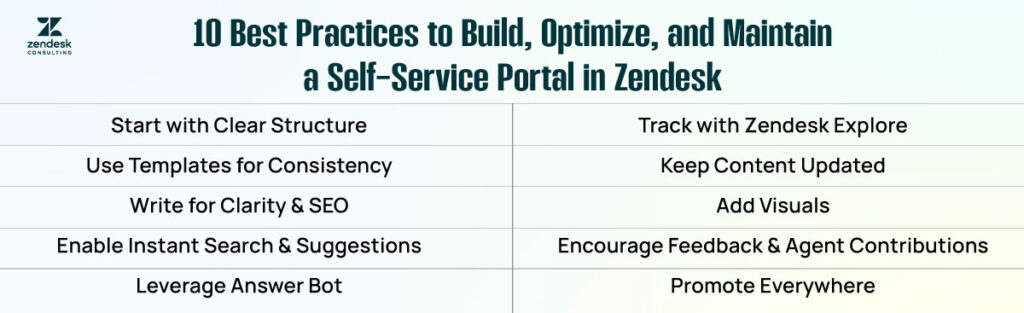
1. Start with a Clear Structure
Before adding content, define your Help Center’s category structure. Most businesses benefit from having at least three core categories:
Getting Started: Onboarding guides, account setup, and introductory FAQs.

Billing & Payments: Subscription details, refund policies, and payment troubleshooting.
Troubleshooting & Technical Issues: Step-by-step fixes, error code explanations, and advanced tips.
A clear structure not only makes it easier for customers to navigate but also improves the knowledge base’s SEO, helping your articles rank higher in search results.
2. Use Zendesk Article Templates for Consistency
Zendesk offers built-in article templates that help maintain consistent formatting across your knowledge base. This is crucial because customers scan rather than read in-depth, so formatting elements like headings, bullet points, and numbered steps make content easier to digest.
Consistent design also builds trust. When your articles appear professional and follow a consistent structure, customers perceive your brand as more reliable and organized.
3. Write with Clarity and Searchability in Mind
Every knowledge base article should be written in plain language, avoiding internal jargon or overly technical terms unless they are explained. Use keywords customers search for, including product names, features, and common problem descriptions.
For example, instead of titling an article “Account Access Issues,” use “How to Fix Login Problems in [Your Product Name].” This makes it more discoverable both within Zendesk search and on Google.
4. Enable Instant Search and Ticket Form Suggestions
One of the most powerful features in Zendesk Guide is instant search. As customers type their query, relevant articles appear instantly. You can also configure the ticket submission form to display suggested articles based on the customer’s input, often resolving their problem before they hit “Submit.”
This simple feature is one of the most effective ticket deflection strategies, saving time for both the customer and your support team.
5. Leverage Zendesk Answer Bot for AI-Powered Suggestions
The Zendesk Answer Bot uses machine learning to recommend relevant help articles automatically when a customer submits a ticket. This not only boosts deflection rates but also provides 24/7 coverage for simple issues.
To improve Answer Bot’s accuracy, make sure your article titles are clear, your metadata is optimized, and you have enough content covering common questions.
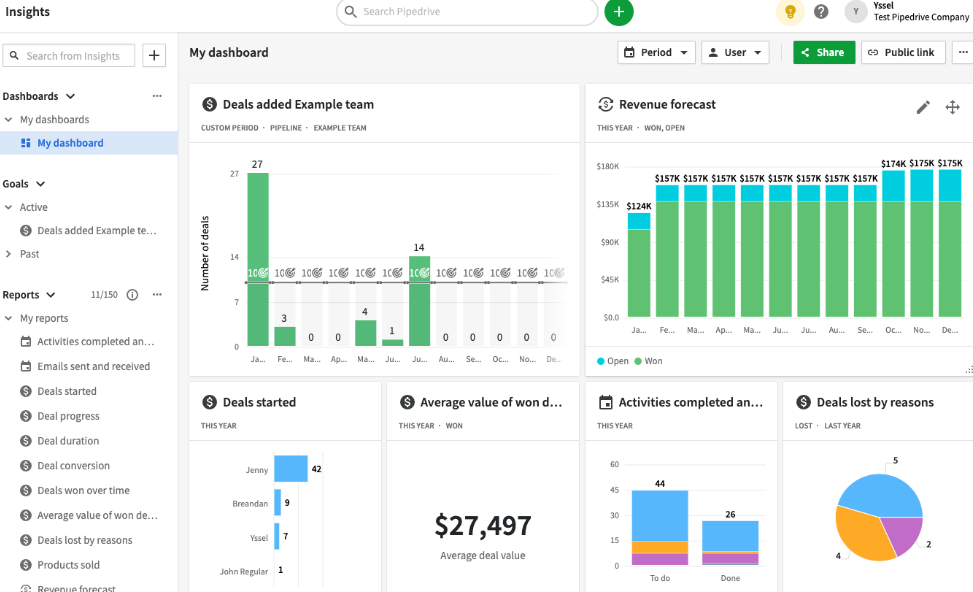
6. Track and Improve Using Zendesk Explore
A knowledge base is a living resource. Use Zendesk Explore to monitor metrics like:
Deflection rate – How many tickets were avoided because customers found answers for themselves?
Article views – Which topics get the most traffic?
Search queries with no results – Gaps where new content is needed.
By regularly reviewing these analytics, you can update existing articles and create new ones based on real customer demand.
7. Keep Content Updated and Relevant
Outdated articles can frustrate customers and reduce trust in your self-service portal. Assign an owner for each category or article who is responsible for reviewing and updating content regularly, ideally every quarter or after significant product changes.
Utilize Zendesk’s content lifecycle management tools to flag articles for review, ensuring that no piece of information remains outdated for an extended period.
8. Add Visuals for Better Engagement
Whenever possible, include annotated screenshots, GIFs, or short videos to illustrate steps. Visual instructions are processed more quickly than text alone and help reduce confusion, especially in complex troubleshooting guides.
Make sure your images are clear, up-to-date, and optimized for fast loading to maintain a smooth self-service experience.
9. Encourage Feedback and Contributions
Zendesk allows customers to rate articles with “Was this helpful?” feedback. Use this feature to pinpoint areas for improvement in your content and prioritize necessary enhancements.
You can also encourage agents to contribute article drafts whenever they encounter a recurring ticket topic that isn’t yet covered in the knowledge base.
10. Promote Your Help Center Across Channels
Please don’t wait for customers to stumble upon your Help Center; promote it proactively. Link it in your website footer, within product dashboards, and in your email signatures. Please include this information in automated replies so customers know where to find answers before waiting for a response.
The more visible your knowledge base is, the higher your ticket deflection will be.
Conclusion
A Zendesk knowledge base is more than just a library of articles – it’s a customer empowerment tool that drives efficiency, reduces ticket volume, and boosts satisfaction. By following these best practices, clear structure, consistent formatting, search optimization, and regular maintenance, you can transform your Help Center into the first place customers go for answers.
With the right strategy, your Zendesk self-service portal can become a cornerstone of your support operation, freeing agents to focus on complex, high-value customer interactions.