A Zendesk instance either runs your support operation or gets in its way. The dividing line is structure. Teams that design their workflows and inbox architecture deliberately resolve tickets faster, route work without manual triage, and trust their reporting. Teams that let Zendesk grow organically end up with tangled triggers, overlapping groups, and queues nobody wants to open.
This guide walks through the complete setup, from groups and views to triggers, automations, macros, routing logic, and reporting. Whether you’re configuring Zendesk for the first time or rebuilding an instance that sprawled out of control, you’ll get a repeatable framework rather than a collection of disconnected rules.
Why Inbox Structure Decides Everything Downstream
Your Zendesk inbox is not really an inbox. It’s a routing engine. Every ticket that arrives needs to reach the right agent, in the right group, with the right priority, fast. When teams skip the architecture step and funnel every channel into one undifferentiated queue, agents burn time triaging instead of resolving, SLAs slip, and reporting turns to noise because everything is lumped together.
A well-structured inbox handles the triage for you. It uses groups to mirror how your team is genuinely organized, applies business rules to assign and prioritize work automatically, and keeps channels distinct enough to measure yet unified enough to manage. The payoff shows up in your numbers within weeks: lower first-response time, fewer reassignments, and cleaner data feeding your dashboards.

The trap most growing teams fall into is building structure reactively, adding a group here, a trigger there, until the logic becomes impossible to audit. The fix is to design the system intentionally from the top down, deciding how work should flow before you touch a single setting.
The Core Building Blocks of a Zendesk Workflow
Before configuring anything, understand the components Zendesk gives you and how they interact. Confusion between these pieces is the most common cause of messy instances.
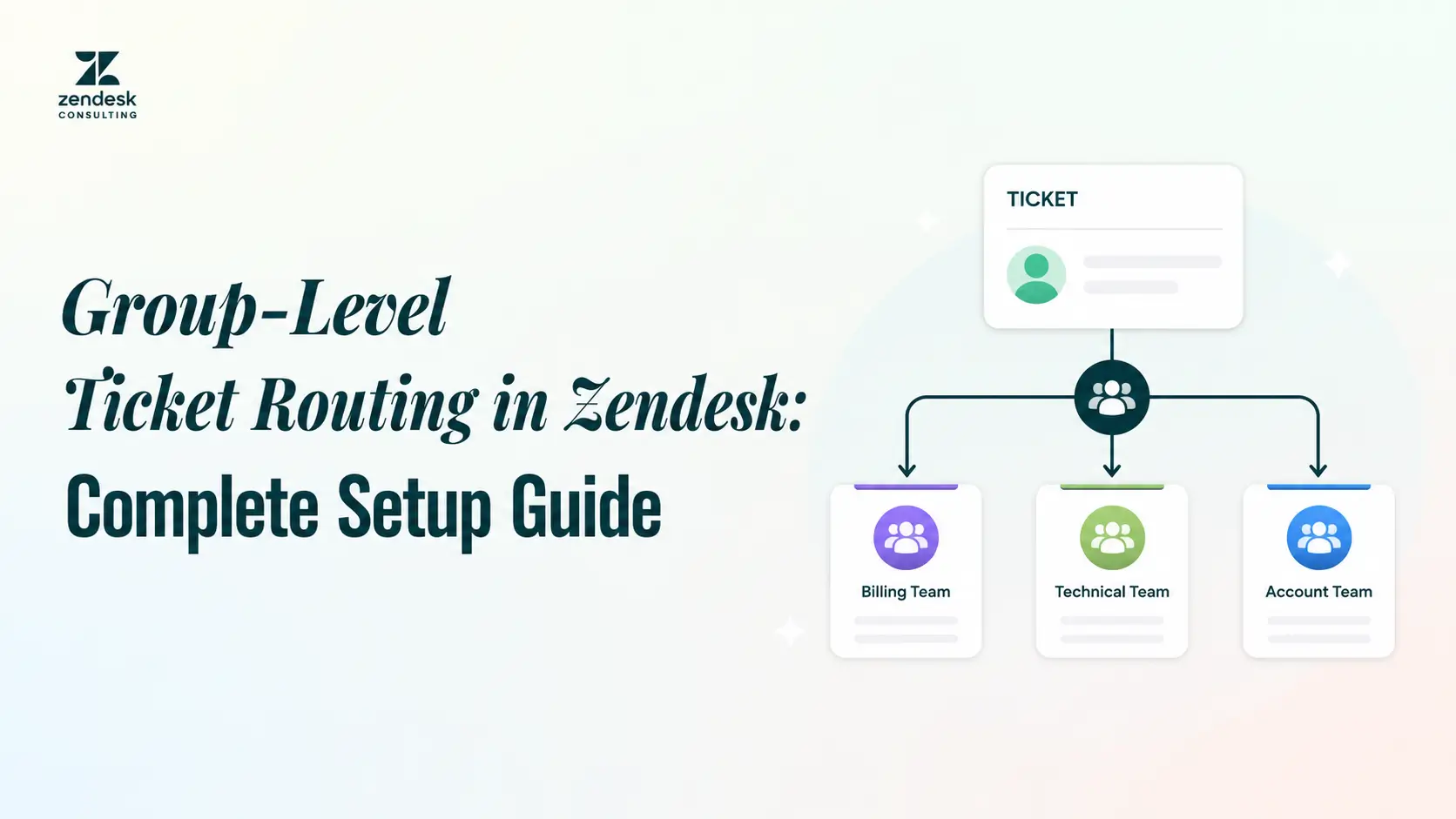
Groups represent collections of agents, usually mapped to teams like Billing, Technical Support, or Tier 2. Tickets get assigned to a group first, then to an individual agent within it. Views are saved, filtered lists of tickets that show agents exactly the work relevant to them instead of an endless scroll. Triggers are event-based rules that fire the instant a ticket is created or updated, handling real-time routing, notifications, and field changes. Automations are time-based rules that run on a schedule, ideal for escalations, follow-ups, and closing stale tickets. Macros are one-click bundles of prepared actions and replies that agents apply manually to standardize responses and cut handle time.
The relationship between these pieces matters more than any single setting. Triggers move tickets the moment something happens, automations watch the clock, views give agents their window into the work, and macros let them act consistently once they’re there. When these layers complement each other, the system runs itself. When they overlap or contradict, you get loops, misroutes, and frustrated agents.
The table below summarizes how each component works and when to reach for it.
| Component | Type | Fires When | Primary Use | Common Mistake |
| Groups | Structure | N/A (static) | Map agents to teams for assignment | Creating too many micro-groups |
| Views | Display | On filter match | Show agents their relevant queue | Personal views replacing shared logic |
| Triggers | Event-based | Ticket created/updated | Real-time routing, notifications, field updates | Conflicting conditions causing loops |
| Automations | Time-based | On a schedule (hourly) | Escalations, follow-ups, auto-close | Running without a nullifying condition |
| Macros | Manual | Agent applies it | Standardized replies, faster handling | Outdated content nobody maintains |
What We Do
At Zendesk Consulting, we design, automate, and optimize Zendesk systems so support and ops teams move faster without sacrificing quality. Across more than 100 Zendesk projects spanning SaaS, eCommerce, and service organizations, the same foundation underpins every high-performing setup: a clean workflow paired with a deliberate inbox structure.
We build smart groups, triggers, and assignment logic by team, priority, or customer type. We reduce handle time with prebuilt replies, task automation, and internal notes. We connect Zendesk to the rest of your stack, including HubSpot, Salesforce, Shopify, and Aircall, and stand up reporting that tells you something useful about first response, resolution, and CSAT. If your current instance feels like a mess you’ve learned to work around, that’s exactly the problem we untangle.
Book Your Free Discovery Call, and we’ll review your current Zendesk setup and map out the fixes.
Designing Your Inbox Architecture Step by Step
Map Your Team Structure to Groups
Start by listing how your support organization actually operates, not how Zendesk’s defaults suggest it should. If you run separate teams for onboarding, billing, and technical escalations, each becomes a group. Keep groups aligned to real ownership and accountability rather than spinning up dozens of micro-groups that fragment your routing. A useful test: a group should exist only if tickets sent to it would be handled differently than tickets sent elsewhere.
Define Routing Logic by Priority, Channel, and Customer Type
Once groups exist, decide what determines where each ticket goes. The strongest routing models combine three signals: priority (urgent tickets jump the queue), channel (a phone call may need faster handling than an email), and customer type (enterprise or VIP accounts route to a dedicated group). Write this logic out in plain language before building it, such as “urgent billing tickets from enterprise customers go to the Billing Tier 2 group,” so every trigger you create maps back to a deliberate rule.
Build Views That Match How Agents Actually Work
Each group needs views that surface the right tickets in the right order. A typical agent benefits from an “Unassigned in my group” view, a “My open tickets” view sorted by priority, and a “Pending follow-up” view. Resist the urge to let every agent build personal views that bypass shared logic, because that’s how consistency erodes. Shared, well-ordered views keep the whole team working from the same playbook.
Configuring Triggers and Automations That Scale
Triggers are where your routing logic comes to life. Order them intentionally, because Zendesk runs triggers top to bottom and each can affect the next. Lead with routing triggers that assign group and priority, then notification triggers, then field-update triggers. Every trigger should have tightly scoped conditions, because vague conditions are what cause the loops and misfires that make instances feel haunted.
Automations handle everything time-based. The classic examples are escalating a ticket that’s gone too long without a first response, sending a follow-up when a pending ticket sits untouched, and closing solved tickets after a set window. The critical detail with automations is including a condition that nullifies the rule once it has run. Without it, the automation re-fires every cycle and floods customers with duplicate messages. This single oversight accounts for a large share of the broken automations we encounter.
As volume grows, audit your triggers and automations quarterly. Disable what’s redundant, document what’s load-bearing, and keep the total set small enough that any admin can trace a ticket’s path through the system in under a minute.
Standardizing Responses with Macros and Self-Service
Macros turn repetitive work into one click. Build them to speed up replies with Zendesk macros for your highest-volume scenarios, such as password resets, refund acknowledgments, and escalation handoffs, and write them in a consistent brand voice so customers get a coherent experience regardless of which agent replies. Group macros logically and review them on a schedule, because an outdated macro library quietly degrades quality as products and policies change.
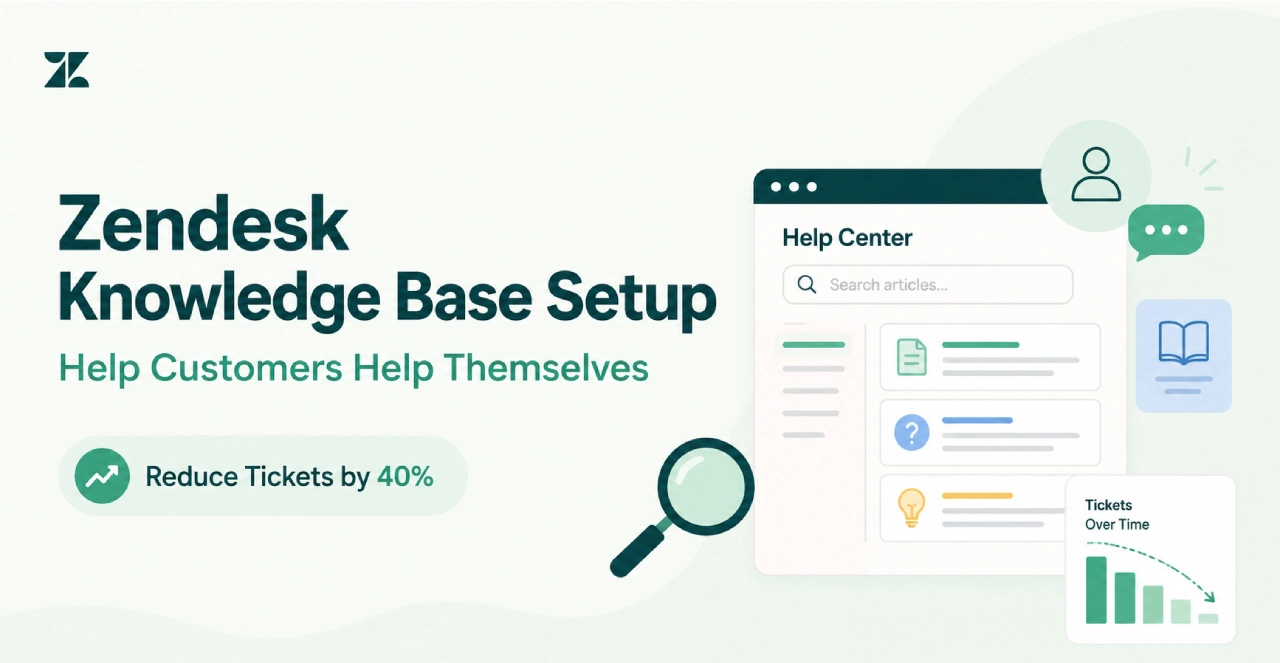
Self-service multiplies this leverage. A branded help center with clear articles, FAQs, and guided flows deflects tickets before they ever reach an agent, which is why it pays to build and maintain a self-service portal as part of your setup. Pair your macros with help center content so that common answers exist in both places: agents resolve faster, and customers who prefer to help themselves never open a ticket at all. When you set up a knowledge base to deflect tickets, self-service becomes the cheapest capacity you’ll ever add to your support team
Reporting That Tells You Something Useful
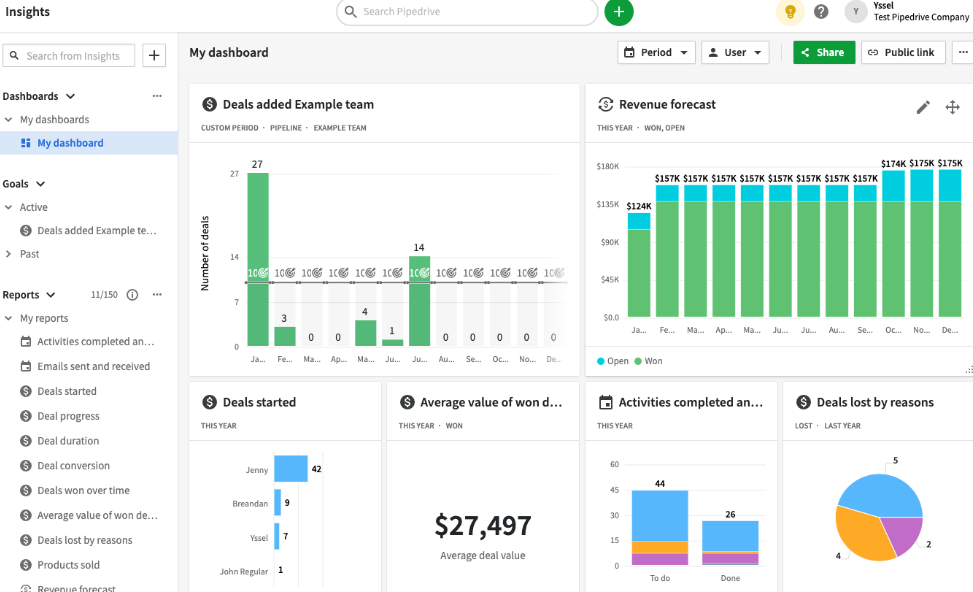
A clean inbox structure pays off most visibly in reporting. Because your tickets carry accurate group, priority, channel, and customer-type data, your dashboards can finally answer real questions. Track first-response time and resolution time by group to find bottlenecks, lean on Zendesk Explore dashboard templates to surface CX, SLA, and deflection metrics fast, and watch ticket volume by channel to plan staffing.
The goal is reporting that drives decisions, not vanity metrics that decorate a slide. If a dashboard doesn’t change what you do next, cut it. The metrics worth your attention are the ones that reveal where work is stuck and where your structure needs another pass, which is also why you should measure support quality with CSAT and NPS to know exactly where customers are unhappy.
Why Us?
We don’t just know Zendesk. We build scalable support machines with it. Across 100+ projects in SaaS, eCommerce, and service organizations, we approach your instance the way ops leaders do, not just software admins. That means clean inbox architecture, automation that holds up under volume, integrations that connect your full stack, and reporting you can actually act on.
The competitive advantage here isn’t a secret setting. It’s discipline: designing workflows top-down, scoping every rule deliberately, and auditing the system so it stays clean as you grow. The result is happier agents, faster support, and clearer reporting, with fast builds, clean systems, and no BS. If you’re ready to turn your support team into a scalable, customer-loving machine, that’s the work we do.